

Cost of goods sold (COGS) is the other half of the profit equation that revenue-only reports skip entirely. Shopify can factor it in, but only for stores that have done the setup work first.
Step 1: Set a Cost Per Item on Every Variant
Open a product in Shopify Admin, go to the Pricing section for each variant, and fill in the Cost per item field. This is the number Shopify uses for any margin or profit calculation later — if it's blank, that variant's cost is treated as zero, which quietly overstates margin.
Step 2: Use the Profit Report
Once cost data is populated, Analytics → Reports → Profit margin shows gross profit by subtracting cost from net sales. This report type is included on higher-tier Shopify plans.
Step 3: Keep Cost Data Current
Supplier pricing changes, and Shopify won't flag a stale cost-per-item field — it's a manual field that only reflects reality if someone updates it. For stores with dozens or hundreds of SKUs, this is usually the biggest practical barrier to accurate COGS reporting.
Where This Falls Short
There's no bulk COGS update inside Shopify Admin beyond a product CSV re-import, no COGS trend broken down by category or vendor, and no view that isolates margin by customer segment or sales channel.
The SnapDash Alternative
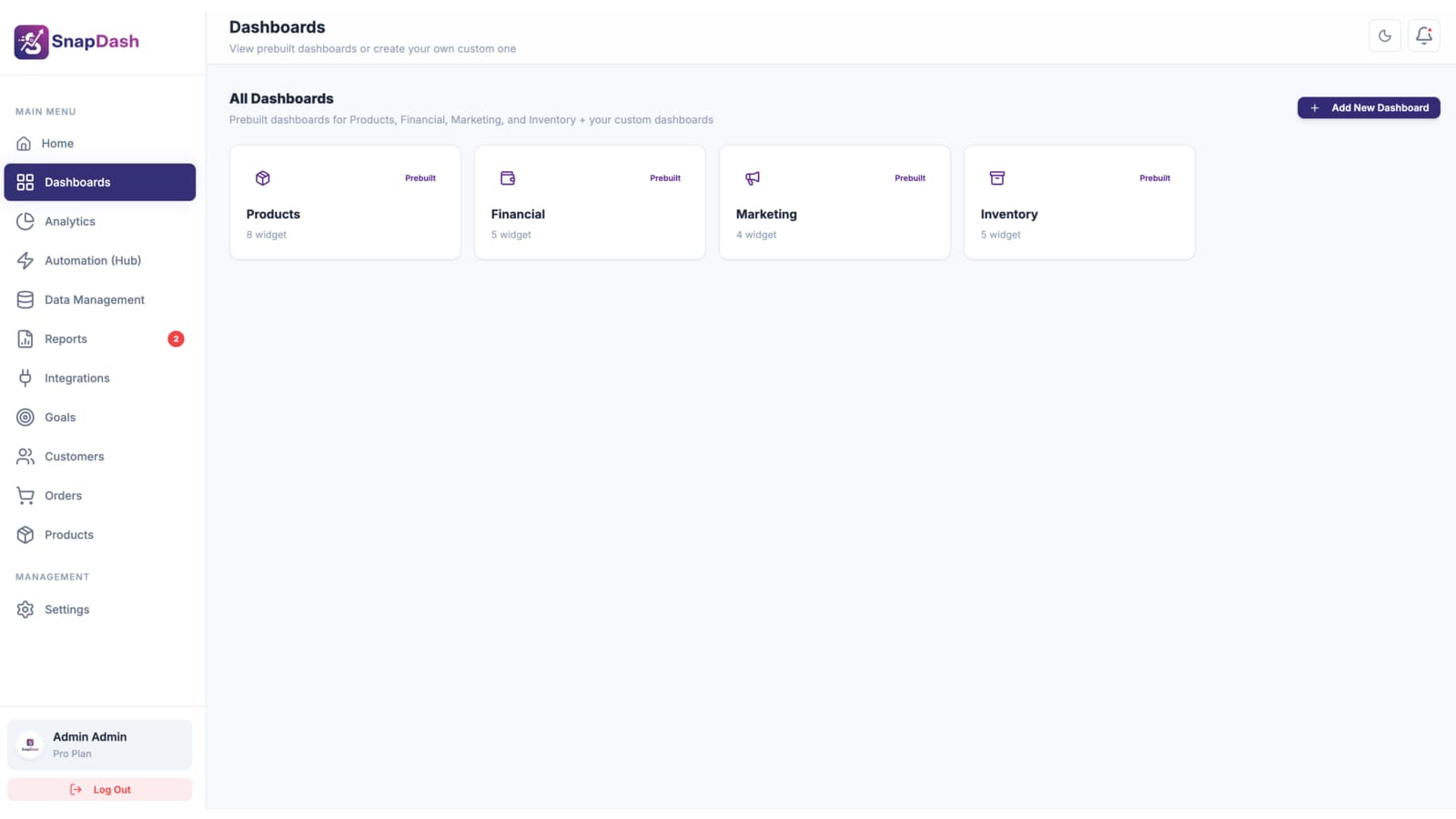
SnapDash's report builder can incorporate cost-per-item data synced from Shopify into a custom report — filtered and grouped by product, category, or any other field — alongside the automatically calculated net sales figures on your Financial dashboard. See our guide to tracking Shopify profit, not just revenue, for the full picture beyond COGS alone.