

Shopify Profit Tracking Built on Real Order Data
Revenue is easy to see in Shopify Admin. Net profit — after refunds and discounts — takes more work. SnapDash calculates it automatically.
Revenue can grow while profit quietly shrinks. Most dashboards never show you why.
Gross sales is the easiest number to look at, and the least useful one on its own. A store can hit a new revenue high in a month where refunds spiked and a discount code was overused — and a gross-sales-only view will still look like a win. SnapDash calculates net sales directly from your synced Shopify order data, so the refund and discount impact is visible as its own tracked number, not something you discover after the fact.
- Net sales calculated automatically from real orders
- Refund and discount impact tracked as its own metric
- Prebuilt Financial dashboard and report templates
- Free during public launch, no credit card required
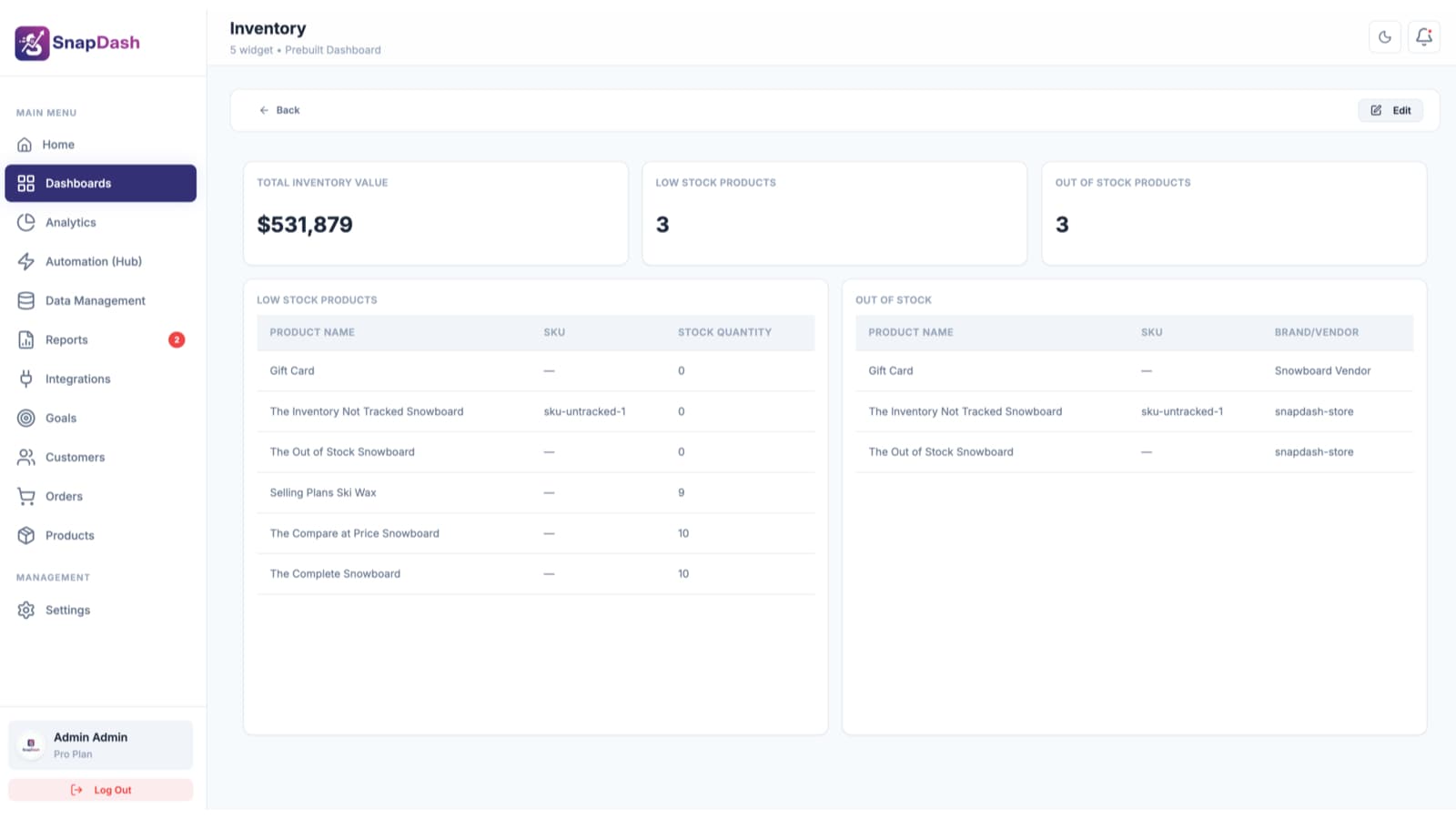
Everything you need to track real Shopify profit
Every metric below is calculated from your real, synced Shopify order data — not estimates or sample data.
Net Profit, Calculated Automatically
SnapDash calculates net sales from your real order data — after refunds and discounts — instead of showing gross revenue as if every sale was collected in full.
Refund & Discount Impact, Visible
See the gap between gross and net sales as its own tracked metric, so a rising refund rate or discount-heavy promotion shows up before it quietly erodes margin.
Financial Report Templates
Start from prebuilt financial report templates covering discounted orders, refunds, and sales breakdowns, or build a custom report filtered and grouped exactly how your finance lead wants to see it.
Automation on Financial Events
Set up trigger-based rules — like tagging or alerting on high-refund orders — so financial anomalies get flagged automatically instead of surfacing in next month's report.
Revenue Goals Tied to Real Data
Set a revenue or repeat-purchase target and watch progress update automatically from your actual Shopify order data — no manual spreadsheet updates.
From Shopify connection to a real profit picture
Connect your Shopify store
Authorize SnapDash through Shopify's official Admin API. Historical orders, refunds, and discounts import automatically.
See net sales, not just gross revenue
Your Financial dashboard populates immediately with net sales, refund impact, and expense trend widgets calculated from real order data.
Build the financial report your team needs
Use a prebuilt financial report template or filter and group your own, then export to CSV, Excel, or PDF for your next finance review.
Who uses SnapDash for profit tracking
Catching a refund spike before month-end
If refunds are trending up on a specific product, that shows up as a tracked metric on your dashboard immediately, not buried in a report you build weeks later.
Knowing if a discount campaign actually paid off
Compare gross sales, discount impact, and net sales side by side to see whether a promotion drove enough incremental volume to justify the margin given up.
Giving finance a dashboard that matches the P&L conversation
The prebuilt Financial dashboard is scoped around net profit and expense trends — the numbers your finance lead actually needs, not a generic sales overview.
Reporting real numbers to stakeholders
Export a financial report straight to PDF or Excel for a board update or investor meeting, built from your synced Shopify data instead of a manually assembled spreadsheet.
SnapDash calculates net sales from your real, synced order data — starting from gross sales and subtracting refunds and discounts — so the number reflects what your store actually kept, not just what was billed at checkout.
SnapDash's profit metrics are calculated from Shopify order data — revenue, refunds, and discounts. If you track product cost data in Shopify, it can be included in custom reports built with the report builder's filtering and aggregation.
Yes. Add a revenue or net sales trend widget to your dashboard for a rolling view, or use a financial report template with a custom date range to compare periods.
Shopify's native Finance summary is a fixed report. SnapDash lets you build a custom Financial dashboard with the exact widgets you want, plus a no-code report builder for filtering and exporting the underlying data.
SnapDash is completely free during our public launch — every feature, unlimited team members, no credit card required to get started.
Explore the rest of SnapDash
Every part of SnapDash connects to the rest — see how each piece fits together.